Do More. Fix Faster. Stay Compliant.
Whether you're managing devices through Configuration Manager or Microsoft Intune, Right Click Tools helps your team move faster, reduce risk, and keep your environment secure—with zero scripting required.
- Unify ConfigMgr + Intune: Manage one or both environments through a single toolkit. No more console switching—streamline workflows and support hybrid environments with ease.
- Eliminate Blind Spots: Quickly uncover compliance gaps, risky configurations, and warranty risks. Gain the visibility you need to prevent issues before they impact security or productivity.
- Patch Smarter, Stay Secure: Automate Microsoft and third-party patching to keep every device current. Close security gaps fast, reduce attack surfaces, and cut the manual effort out of patch compliance.
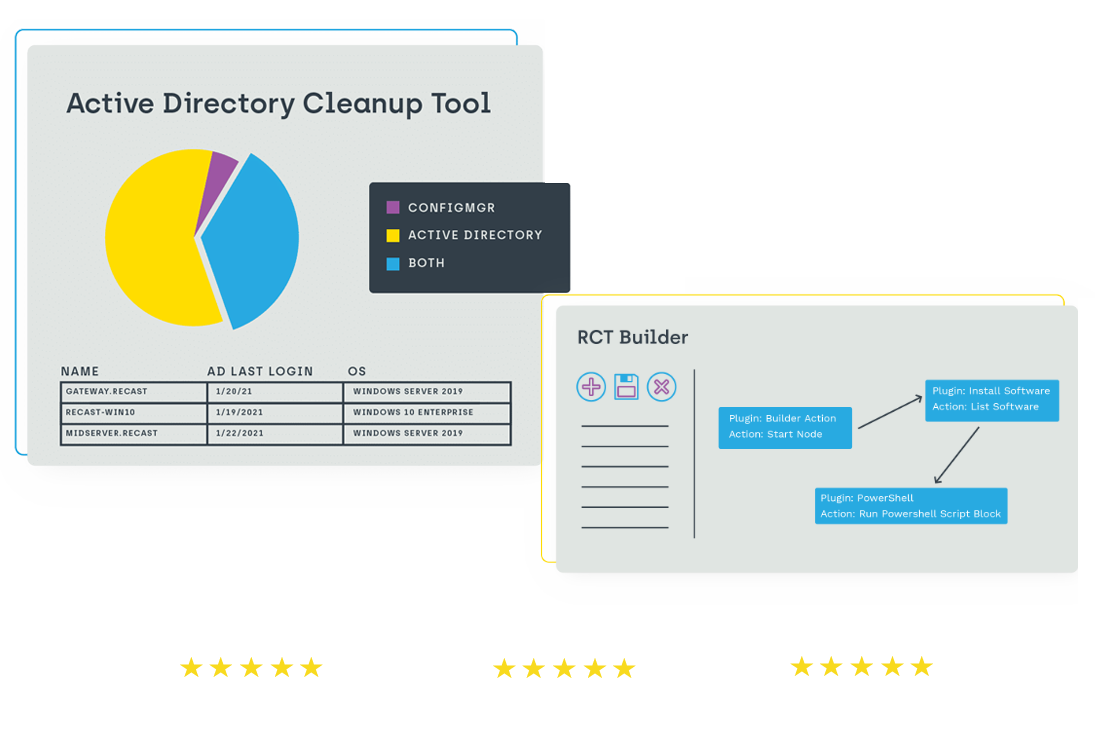
- Fix Issues in Bulk: Remediate vulnerabilities and misconfigurations across thousands of devices at once. Eliminate the need for complex scripts and reduce resolution times from hours to minutes.
- Prove Compliance: Track patch status, endpoint health, and security objectives with actionable dashboards. Generate clear reports to keep leadership and auditors confident.
See Right Click Tools in Action



Download our Top Application Management Guides
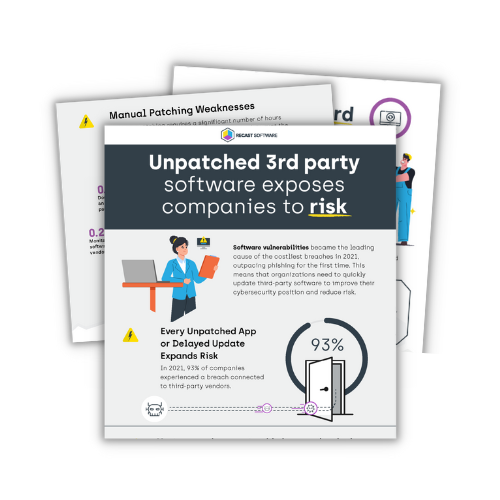
Unpatched 3rd-Party Software Exposes Companies to Risk
93% of companies experienced breaches related to third-party vendors in 2021. Don't let unpatched apps or delayed updates expand your vulnerabilities. Download our infographic to see why automating your application management and third-party patching can significantly improve your cybersecurity posture and reduce the risk of data breaches.
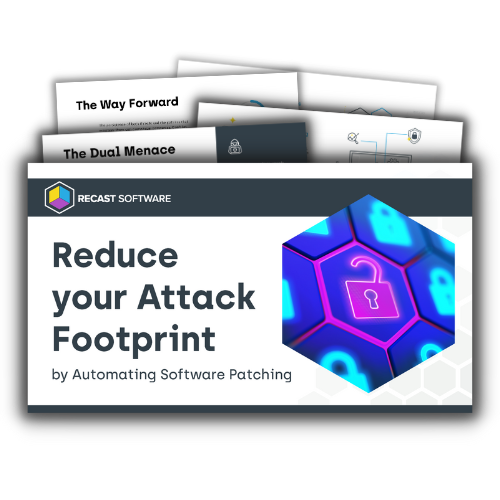
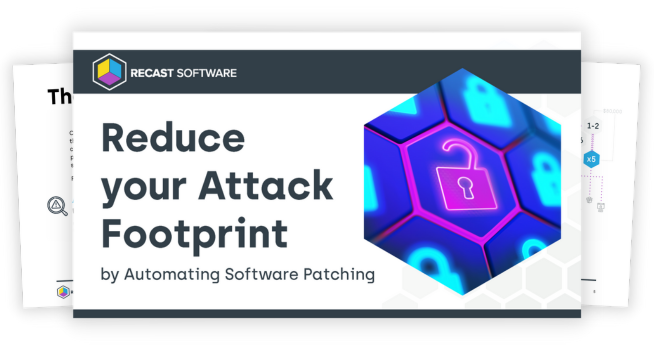
Reduce your Attack Footprint by Automating Patching
In 2021, software vulnerabilities became the leading cause of breaches, outpacing phishing for the first time – ever. Download our eBook to gain a better understanding of the common 3rd party patching tripping points for companies. Discover best practices to help you stay on top of your game when it comes to patching and security.
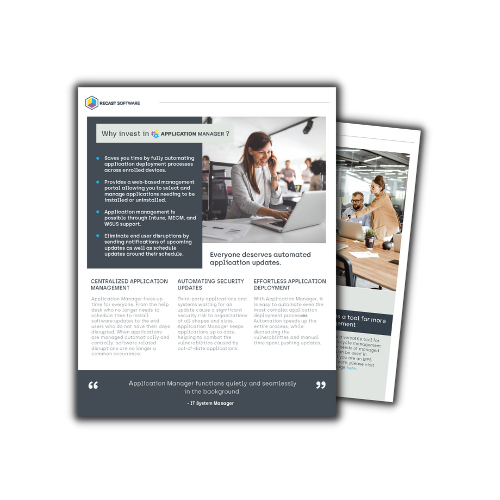
Increase Patch Compliance Effortlessly
Maintaining patching and security updates is hard. Even when you know about a device, keeping it at 100% patch compliance is impossible. Download our brochure to see why investing in a centralized patch management solution helps streamline your patching efforts and keep your environment up to date and secure.
The Threat is Here — Are you Ready?
In 2021, software vulnerabilities became the leading cause of breaches, outpacing phishing for the first time – ever. To help you lower your risk, we’ve created this eBook that details the case for patch management and how to score an easy win for IT teams and management alike.
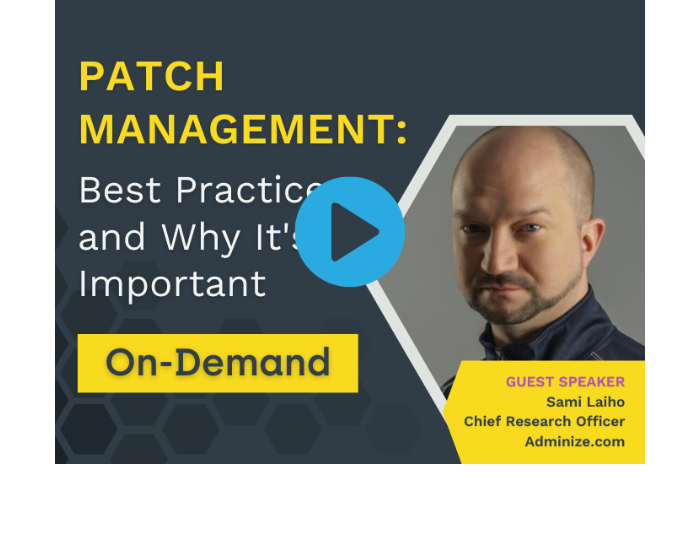
Patch Management: Best Practices and Why It's Important
As cyber threats become increasingly sophisticated, securing your organization's data and systems is crucial. One aspect of security that is often neglected is the patching of third-party software. With the increasing use of third-party applications, it's essential to patch them regularly to prevent hackers from exploiting vulnerabilities.
Gain valuable insights from a renowned security expert and take a step towards a more secure and efficient IT environment.
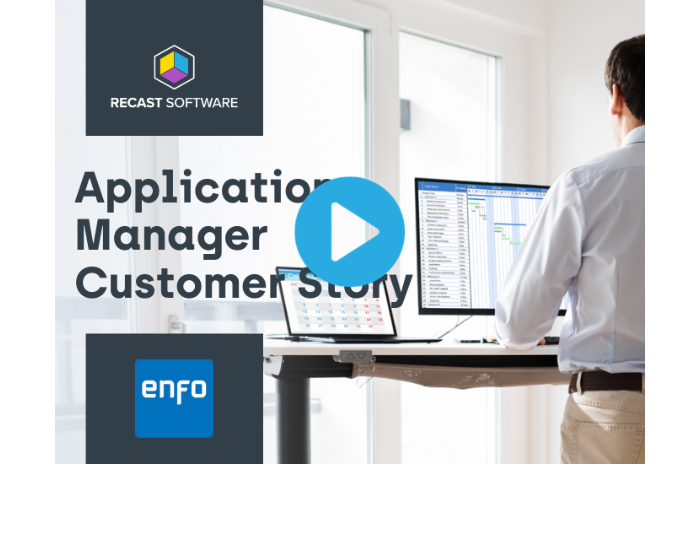
Hear from our Customers
Learn how managed service provider, Enfo, utilizes Recast Software's Application Manager to bring automated third-party application patching to their customers.
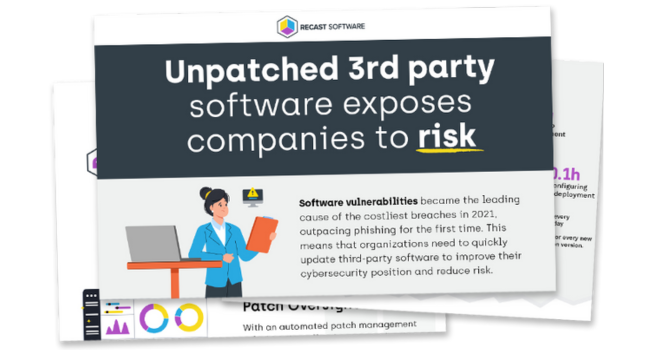
Unpatched 3rd Party Software Exposes Companies to Risk
A recent survey of 500 System Administrators revealed that 60% of them do not have a third-party patching software solution in place. Download our infographic to see why automating your application management and third-party patching can significantly improve your cybersecurity posture and reduce the risk of data breaches.
Lorem Ipsum Dolor Sit Amet
Lorem ipsum dolor sit amet, consectetur adipiscing elit. Sed sit amet finibus nulla. Integer a ligula viverra, dapibus mi eu, volutpat purus. Praesent posuere et risus nec bibendum. Curabitur quam nibh, maximus lobortis tortor ac, congue pulvinar augue. Pellentesque pretium mauris eget imperdiet laoreet. Quisque at egestas neque, rhoncus posuere mi.

Heading
Lorem ipsum dolor sit amet, consectetur adipiscing elit. Sed sit amet finibus nulla. Integer a ligula viverra, dapibus mi eu, volutpat purus. Quisque at egestas neque, rhoncus posuere mi.
Heading
Lorem ipsum dolor sit amet, consectetur adipiscing elit. Sed sit amet finibus nulla. Integer a ligula viverra, dapibus mi eu, volutpat purus. Quisque at egestas neque, rhoncus posuere mi.
Trusted by 70,000+ SysAdmins. Evolving for what’s next.
The latest Right Click Tools adds Insights, Patching, and Privileged Access to help you reduce risk and reclaim time.
▶ See the next generation of endpoint management in action.
About Recast Software
We are a global leader in productivity tools for endpoint management software.
From reactive to proactive, inefficient to streamlined, frustrating to easy – we exist to power up your current platforms and team by providing endpoint management software solutions.
Recast is loved & trusted by over 70,000 SysAdmins globally!


Date:
Nov 12
Time:
09:00 AM
Duration:
2 HRS
4,000+ App Catalog
Recast Software now offers the largest patching catalog of over 4K applications.
Centralized Updates
Monitor, package, and deploy third-party apps from a central location whether you're MS MECM or Intune.
Vulnerability Management
Identify vulnerabilities and automate maintenance to stay compliant and avoid risk.

John Doe
Speaker TitleWhy our Customers Choose Right Click Tools

Security & Patching
Automate patch deployment, enforce compliance, and close vulnerabilities across Microsoft + third-party apps—fewer blind spots, stronger protection.

Workflow Automation
Save time with bulk actions and custom automations—eliminating repetitive, error-prone tasks.

Environment Insights
Spot issues early with dashboards that track compliance, endpoint health, hardware lifecycle, and warranty status.

Privileged Access
Secure sensitive functions like BitLocker recovery keys and LAPS passwords with role-based permissions—least privilege, maximum security.
Loved & Trusted by Over 70,000 SysAdmins Globally







Remediate and secure your endpoints.
Join thousands of the world’s largest organizations securing their environments with Right Click Tools Enterprise.